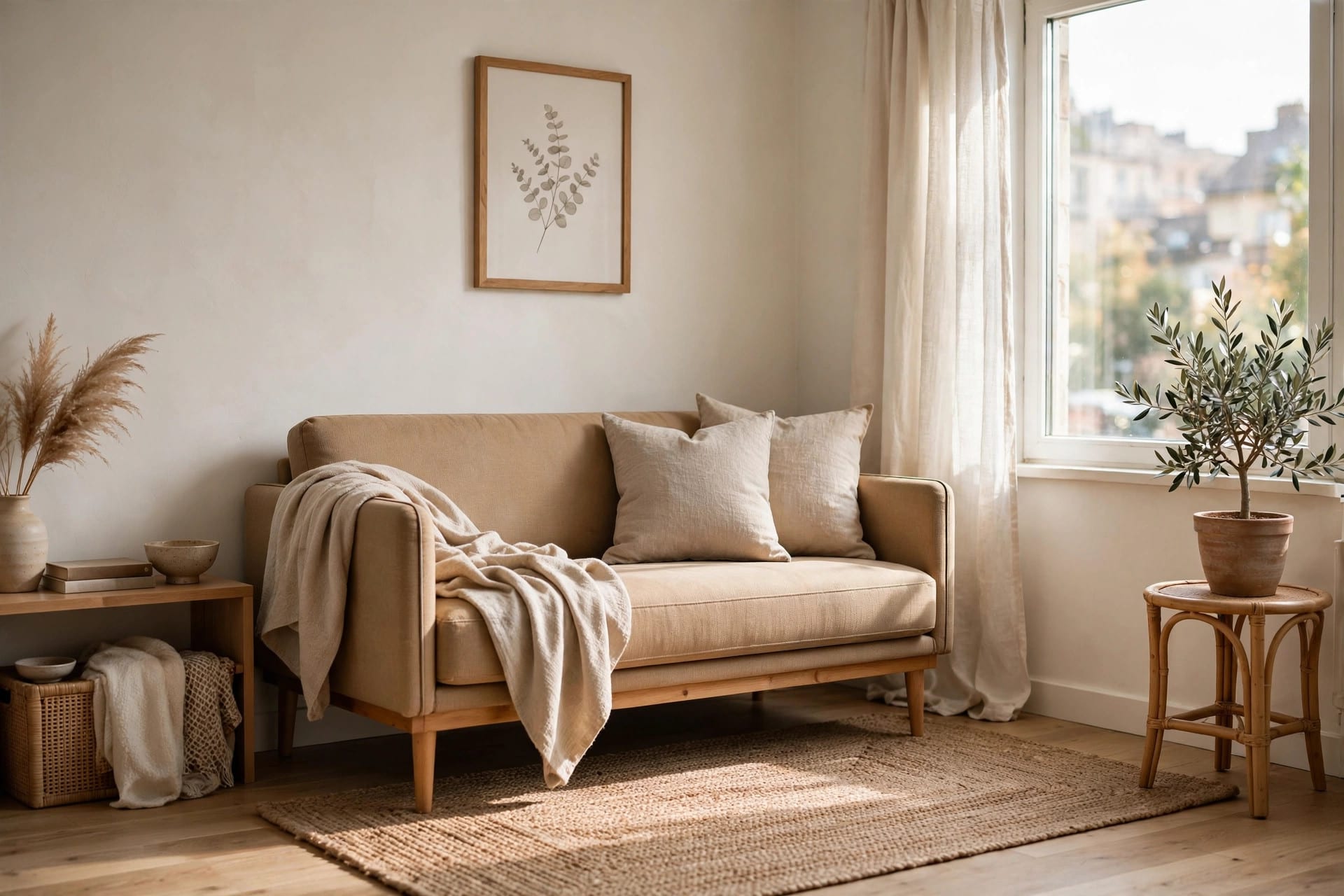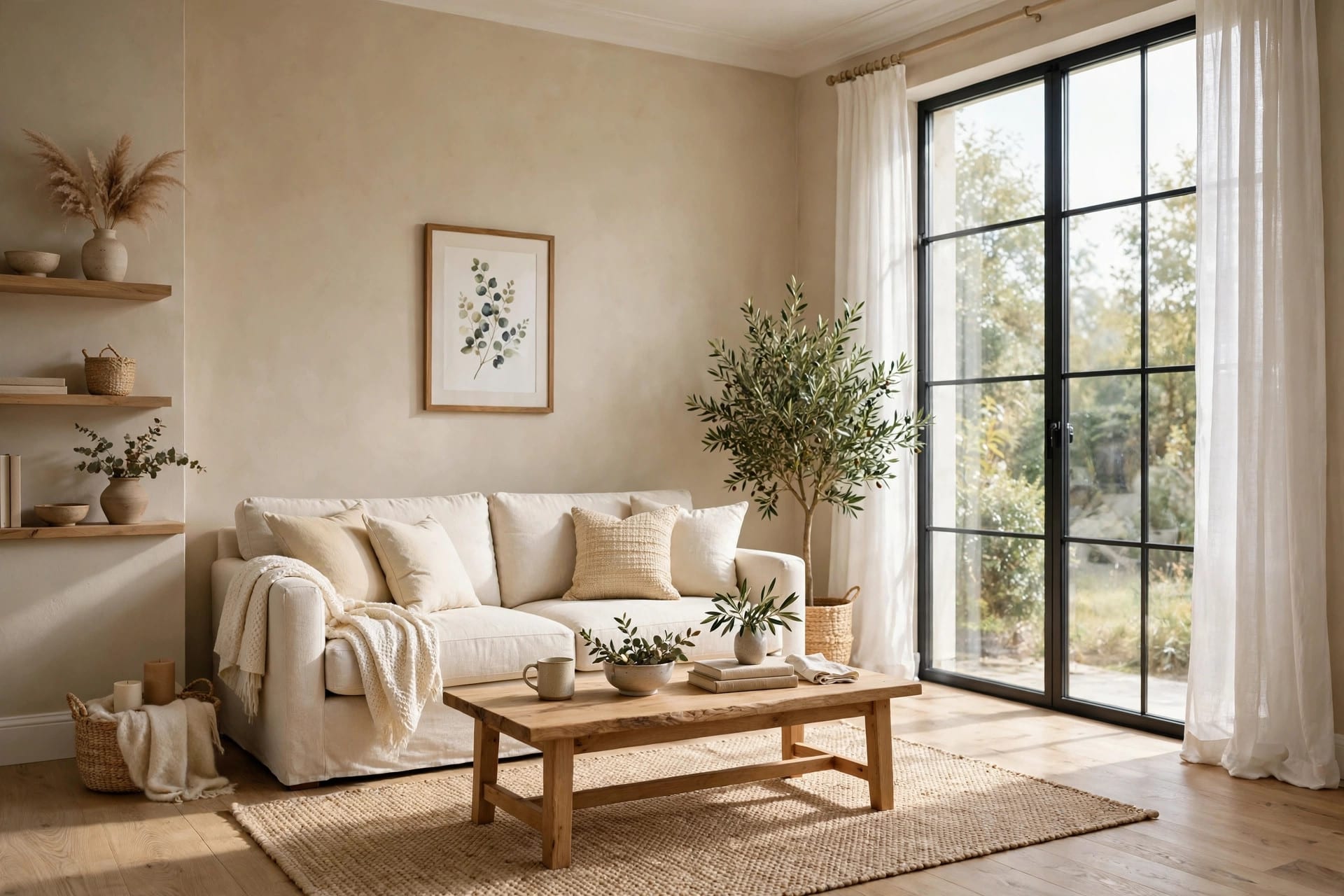
Here's the uncomfortable truth about small living room layouts with TVs: most advice is either "buy a smaller TV" (unhelpful) or a Pinterest photo with no measurements (useless). What you actually need is a recipe — TV size, seating distance, screen height, walkway clearance — numbers you can measure with a tape measure today.
That's what this is. Four exact layout recipes for a small living room with a TV, each with real measurements, each tested against the physics of small rooms. Pick the one matching your room shape.
This is the companion to our small living room ideas guide — read that for the general principles, use this for the TV-specific math.
Key Takeaways
- The 3 numbers that matter: viewing distance (1.2–1.6× screen diagonal for 4K), screen center at ~105 cm from floor, 75–90 cm walkways
- 4 recipes: Straight Shot, Corner TV, TV + Fireplace, Narrow Room — each with exact measurements
- Renters: every recipe has a no-drill version
- Biggest mistake: mounting the TV too high — neck pain is a layout failure, not a TV problem
In this guide:
- The 3 numbers that rule every layout
- Recipe 1: The Straight Shot
- Recipe 2: The Corner TV
- Recipe 3: TV + Fireplace
- Recipe 4: The Narrow Room
- Renters: the no-drill versions
- The takeaway
- Frequently asked questions
The 3 numbers that rule every layout
Before the recipes, the physics. Every layout below obeys these three:
- Viewing distance: for a 4K TV, sit 1.2–1.6× the screen diagonal away. A 55" TV (140 cm diagonal) wants 170–225 cm. Closer than 1.2× and you're turning your head; farther than 1.6× and you're squinting. (This comes from THX/SMPTE viewing-angle standards — it's not opinion.)
- Screen height: center of the screen ~100–110 cm from the floor — seated eye level on a standard sofa. Every 10 cm above that is a little more neck strain per movie night.
- Walkways: 75–90 cm of clear path around furniture. Below 75 cm you're sidling; the room feels cramped no matter how nice it looks.
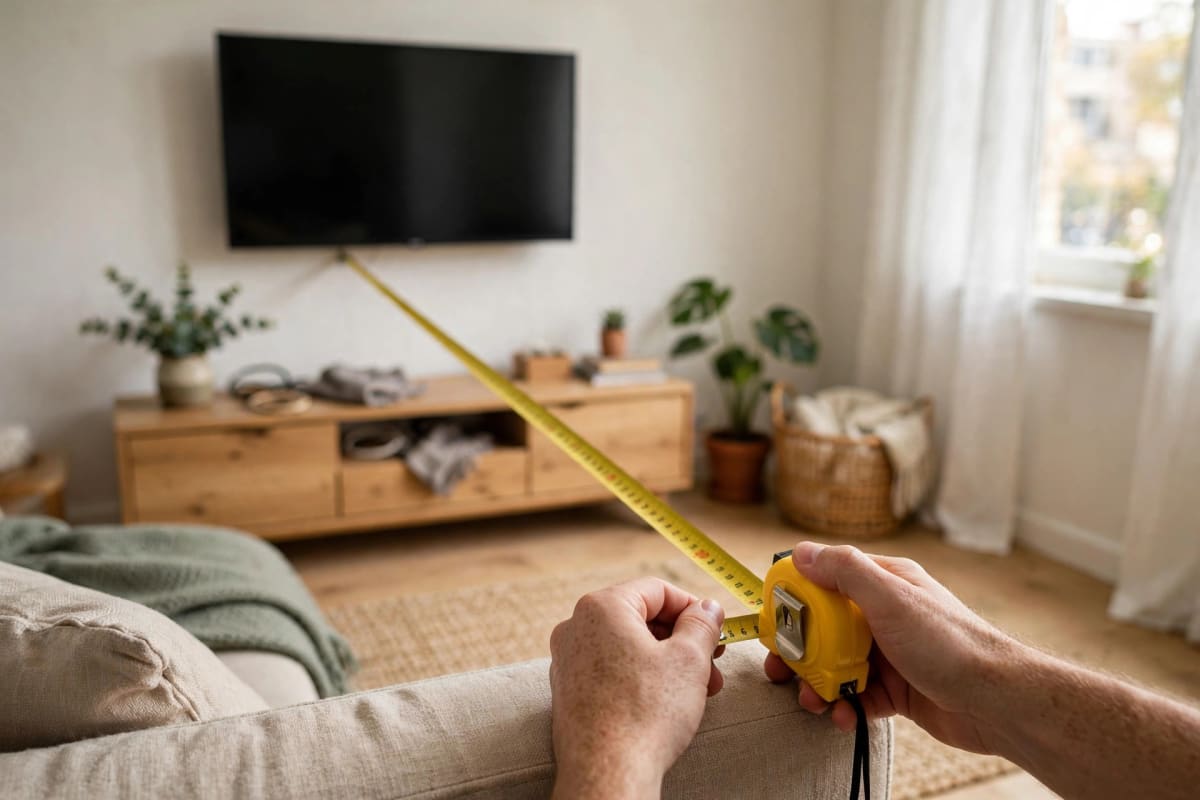
Recipe 1: The Straight Shot
Room: roughly square, 3×3 m to 3.5×4 m. TV: 43–55".
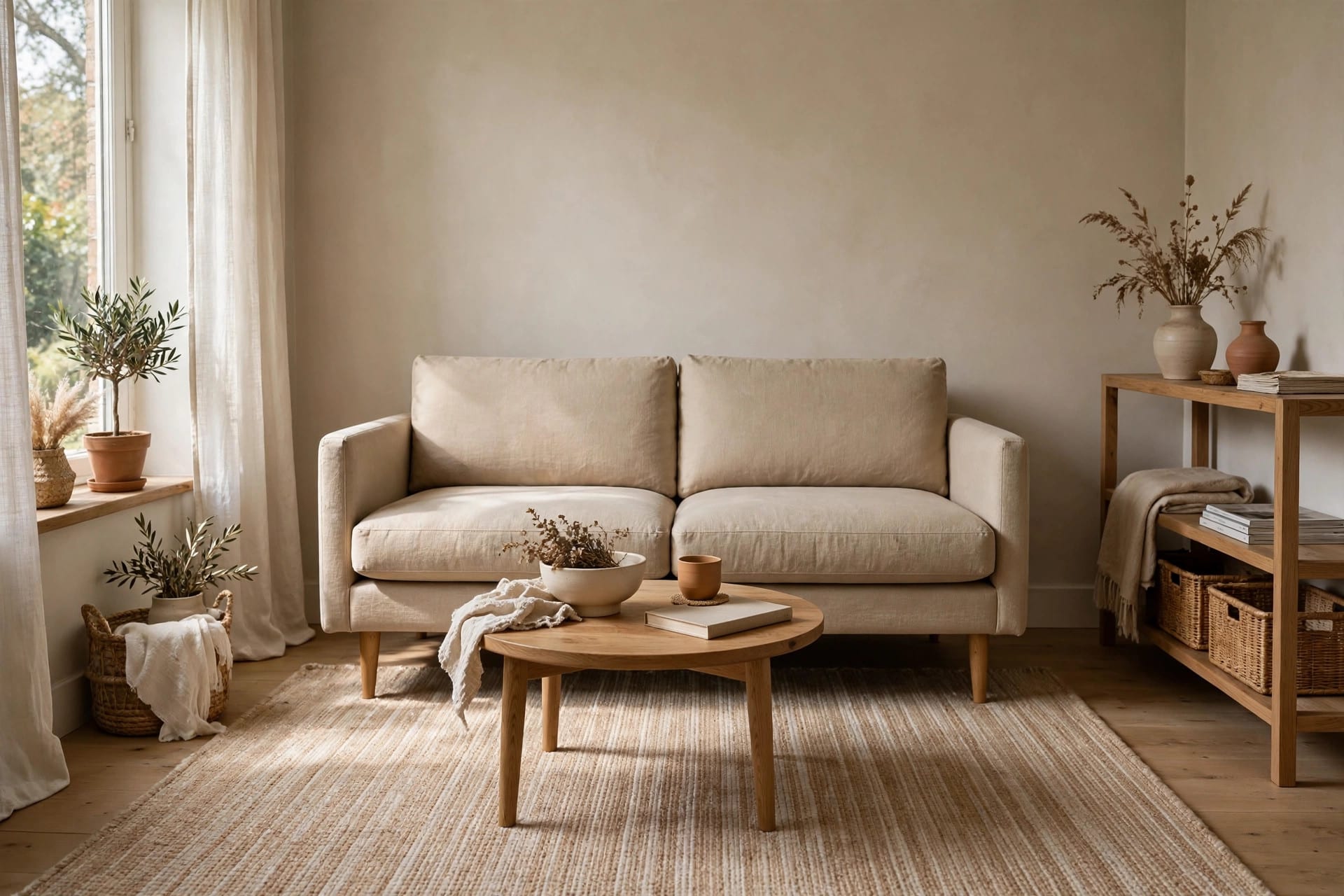
The classic: sofa on one wall, TV on the opposite wall, everything facing forward. Boring? Maybe. But it's boring because it works — the sightlines are perfect and every seat is a good seat.
The numbers:
- Sofa (180–200 cm wide) centered on its wall
- TV wall-mounted or on a 120–150 cm console opposite
- Viewing distance: 200–230 cm for a 55" (measure sofa front edge to screen)
- Coffee table 40–45 cm deep, 35–40 cm gap to the sofa
- Rug 160×230 cm minimum, front legs of sofa on it
Furniture list: sofa, TV console or mount, coffee table, rug, one floor lamp beside the sofa (never behind the TV — backlight kills contrast).
Mistake to avoid: pushing the sofa against the wall to "save space" and ending up 3 meters from a 43" TV. If the distance exceeds 1.6× your diagonal, move the sofa forward — floating it 20 cm off the wall feels wrong for a day, then invisible forever. Our small living room guide covers the floating trick in detail.
Recipe 2: The Corner TV
Room: awkward — door on one wall, window on another, no clean opposite walls. TV: 43–50".
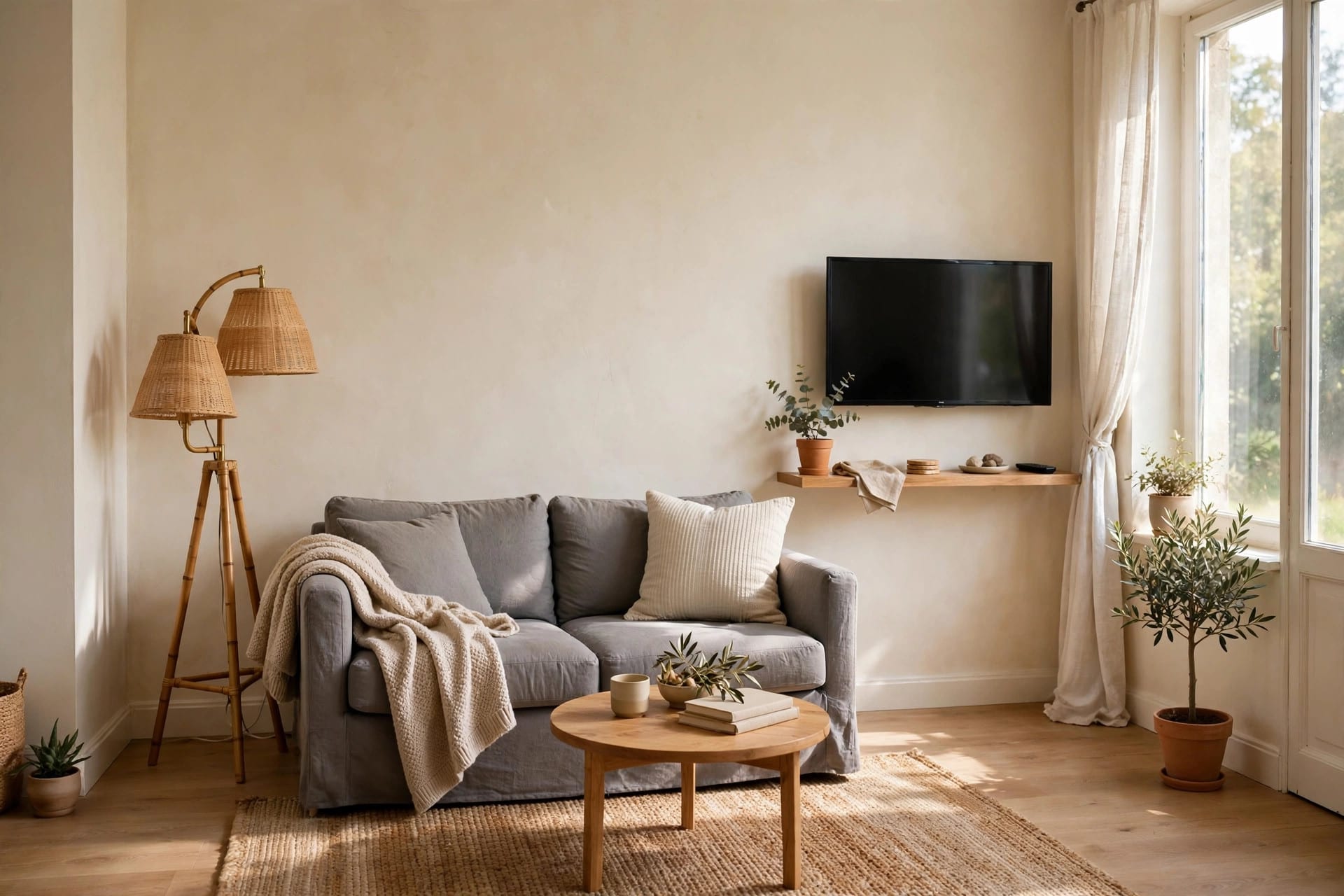
Put the TV in the corner on a full-motion swivel mount. Angled out for movie night, pushed flat when not in use. The corner everyone told you "wastes space" becomes the thing that saves the layout.
The numbers:
- Corner mount, TV angled 20–30° toward the main seat
- Primary seat (armchair or loveseat end) 180–210 cm from screen
- Keep 75 cm clear in front of the corner — that's your walkway swinging past
- Screen center still ~105 cm high; corner mounts often end up too high, so measure
Furniture list: loveseat or sofa on the longest wall, one angled armchair, small round side table (not a big coffee table — corners need the floor space).
Mistake to avoid: the fixed corner shelf. A TV jammed into a corner on a static stand, angled permanently, with cables dangling — that's the "dorm room" look. The full-motion mount ($30–$50) is non-negotiable here; it's what makes the corner intentional instead of desperate.

Recipe 3: TV + Fireplace
Room: has a fireplace hogging the best wall. TV: 50–55".
The internet is at war over this. Here's the honest version: TV above the fireplace works in a small room IF the mantel is low (under 120 cm) and you use a tilt mount. If the mantel is high, the TV ends up at 150 cm+ and you're craning for two hours — that's a genuine ergonomic failure, not snobbery.
The numbers:
- Screen center max 120–125 cm from floor (tilt mount angled down 5–10°)
- Seating 220–250 cm back — you need the extra distance to compensate for the height
- Mantel depth matters: 25 cm+ deep mantel deflects heat; check the wall temperature after the fireplace runs an hour — if you can't hold your hand there comfortably, the TV can't live there either
Alternative if the mantel is too high: put the TV on the adjacent wall (Recipe 1 rotated 90°) and let the fireplace be its own moment. Two focal points is fine — the "one focal point" rule is for formal rooms, not small apartments.
Mistake to avoid: mounting above a WORKING wood fireplace without checking heat. Electronics and heat are enemies; a fried $600 TV erases every dollar you saved on the layout.
Recipe 4: The Narrow Room
Room: long and thin — 2.5×4.5 m or similar. The classic apartment rectangle. TV: 43–50".
TV on one SHORT wall, sofa facing it from the other end. This feels wrong ("so far!") but the math works: 4 meters of room gives you ~280 cm viewing distance after furniture depth — actually ideal for a 50–55".
The numbers:
- TV on short wall, centered
- Sofa on opposite short wall — yes, against the wall here; the room is too narrow to float it
- Walkway runs ALONG one long wall, never between sofa and TV — 75 cm minimum, rug-free (rugs in walkways bunch and trip)
- Narrow console (30–35 cm deep) under the TV; standard 45 cm consoles eat the walkway
Furniture list: sofa, narrow TV console, slim rug (120×180 cm) under the coffee zone only, wall-mounted shelves instead of a bookcase.
Mistake to avoid: the "bowling alley" — lining all furniture along both long walls so the middle is an empty corridor. Pull ONE piece (an armchair, a plant cluster) slightly into the room's middle third to break the tunnel. It feels counterintuitive in a narrow room; it works anyway.
Renters: the no-drill versions
Every recipe above assumes you can mount a TV. If you can't drill:
- Straight Shot: low TV console (40–50 cm tall) instead of a mount — puts the screen center right at ~105 cm naturally. This is actually the easiest recipe to do drill-free.
- Corner TV: a corner TV stand ($40–$70) instead of the swivel mount. Less elegant, fully reversible.
- TV + Fireplace: lean a large mirror on the mantel INSTEAD of mounting the TV above it; put the TV on the adjacent wall per the alternative. Zero holes, better ergonomics.
- Cables: adhesive raceways painted wall-color ($8), or a fabric cord cover. The difference between "renter setup" and "designed setup" is 100% cable management.
The takeaway
Small-room TV layout is arithmetic, not talent. Measure your viewing distance against your screen size, get the screen center to ~105 cm, keep 75 cm walkways, and pick the recipe matching your room shape. Do that and the room works — regardless of budget, style, or how awkward the floor plan is.
Frequently asked questions
Where should I put my TV in a small living room? On the longest clear wall opposite your main seat (Recipe 1). If no clean opposite wall exists, use a corner with a swivel mount (Recipe 2). Measure first: viewing distance should be 1.2–1.6× your screen diagonal.
How far should I sit from a 55-inch TV in a small room? 170–225 cm (1.2–1.6× the 140 cm diagonal) for 4K. In a small room, err toward the closer end — 180–200 cm feels immersive without head-turning.
How high should I mount my TV? Screen center ~100–110 cm from the floor — seated eye level. Above a fireplace, max 120–125 cm with a tilt mount; higher than that causes real neck strain over a movie.
Is it OK to put the TV in the corner? Yes — with a full-motion swivel mount ($30–$50). A static corner placement looks improvised; the articulating mount makes it intentional and solves glare by angling the screen.
Can I put my TV opposite a window? Avoid it if you can — direct reflections kill contrast. If the layout forces it, use blackout or layered blinds and consider bias lighting (a $15 LED strip behind the TV) which reduces perceived glare and eye strain.